Nightwater Tools
Before you punch a tree, confirm the PC, the binds, and the demo install.
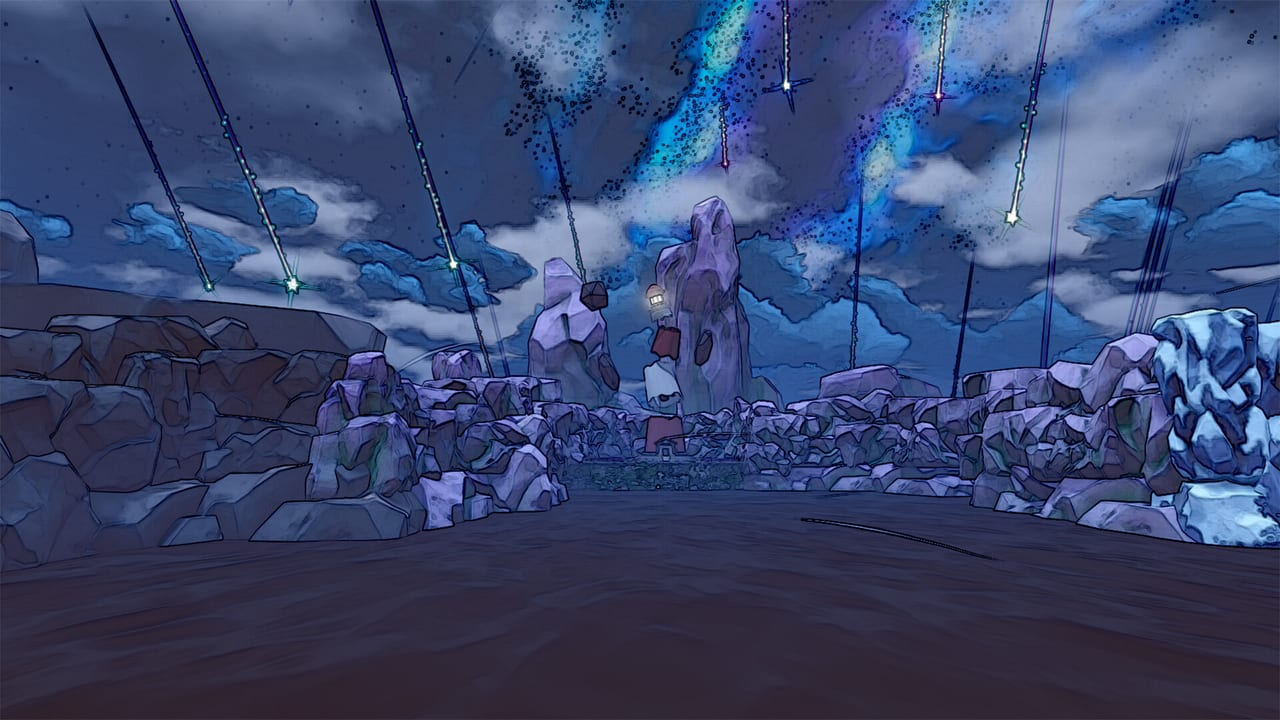
This hub is the practical layer of the wiki: can your machine run Nightwater, and can you actually swing at a tree. It is not a cheat engine and it is not a code redeemer. Nightwater is a single-player Steam game with a demo, not a live-ops title.
Child pages:
- System requirements — published Windows minimum and recommended specs, Linux notes, Deck unknown, 10 GB storage.
- Controls — first-person keyboard/mouse, full controller support, camera comfort options.
- Troubleshooting — demo will not boot, HUD/world resolution mismatch, pad still wants a keyboard.
If you have not installed anything yet, pair this hub with the demo guide and official links. If you are already in The Woods, you probably want Getting Started instead.
What to do on a new PC
- Open the Steam page from links and read the live requirements — they override a wiki if they change.
- Check the system requirements table against your CPU, GPU, and RAM.
- Install the demo, not only the wishlist. The demo is the benchmark.
- If the world slides off a 1080p monitor while the HUD stays put, try windowed mode (players have reported that mismatch).
- Bind or test a controller using controls. Playtest notes specifically called out better controller support after March 2026.
What this hub will not become
- A trainer or cheat table. Those unofficial tools exist on the wider web; this wiki will not host them.
- A drop calculator with fake percentages.
- A matchmaking board for friends on one island. It is single-player only.
- A mobile APK mirror. Nightwater is PC (Steam), Windows and Linux.
Accessibility features worth knowing
The Steam feature list includes adjustable text size, camera comfort, color alternatives, custom volume, adjustable difficulty, playable without timed input, save anytime, captions, and surround/stereo options. If first-person void seas make you dizzy, turn camera comfort on before you judge the review.
After you are set up
Go play. Use automation when your wrists complain, items when a recipe is dark, and release date when you want the 08:00 PDT countdown. Tools are the door, not the house.
If a launch patch adds a photo mode, a dedicated settings wiki, or a planner, it will land here. Until 18 September 2026, two pages are enough: can it run, and how do I move.
Demo as a hardware test
The free Steam demo is the only honest spec check. Wishlisting does not compile shaders. Spend twenty minutes in The Woods with a wooden harvester placed: if frames hitch when you turn toward the void sea, lower effects before you blame automation. If the HUD and the world disagree about resolution, that is a display bug described on the requirements page, not a missing bind.
Bring the Getting Started guide up on a second screen after the client is stable. Tools exist so the rest of the wiki can assume you can walk, look, and punch a tree.
Frequently Asked Questions
Quick answers to the most common questions.
What are Nightwater’s PC specs?
Minimum: Windows 10 64-bit, i5-3570 3.4 GHz, 8 GB RAM, GTX 1650 / RX 470-class, 10 GB storage. Full table on system requirements.
Does Nightwater support a controller?
Yes. The store lists full controller support. See controls.
Is there a mobile version?
No public mobile client. Nightwater is a Steam PC game (Windows, with Linux listed by several databases).
Are there redeem codes?
Nightwater is not a codes game. Wishlist and the demo are the only “free” hooks. Use links for the store.